What is Activity
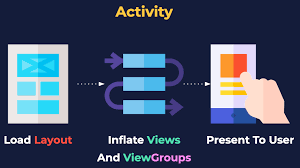
- An Activity is an application component of Android which represents the single screen of app.
- It provide user interface and handles the user action( click, input, etc.)
- There can be multiple activities in a single app like- LoginActivity , MainActivity , SettingActivity.
- It is must to be atleast one activity in a single app.
In simple words:
- Activity = One screen of an app
- It is the entry point of an Android app
- Example:
- Login screen → one Activity
- Home screen → another Activity
- Settings screen → another Activity
🔹 Real Life Example
Think of an app like a book:
Whole book = Android App
Each page of the book = Activity
Features of Activity
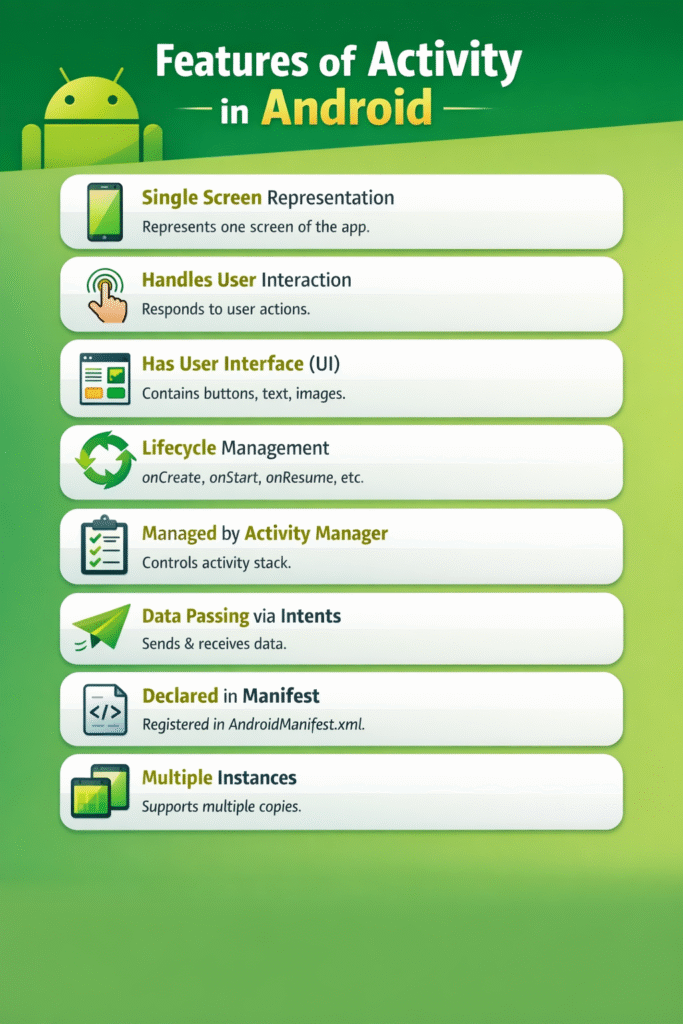
- Activity represents one screen of the Android application.
- Each activity contains UI elements such as TextView, Button, ImageView, etc.
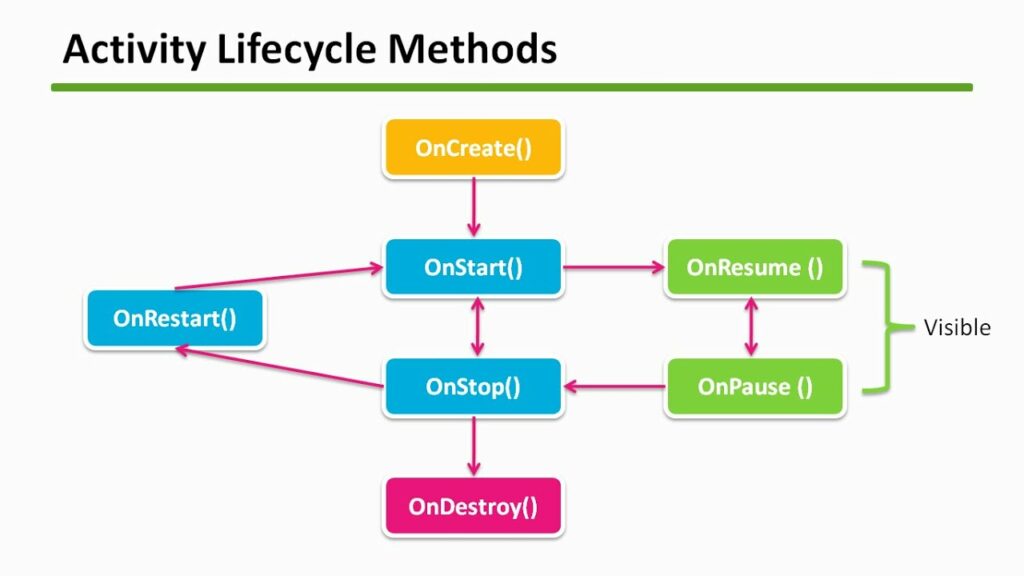
- Activity follows a well-defined lifecycle (onCreate, onStart, onResume, etc.).
- One activity can open another activity using Intent.
- Each activity works independently but can communicate with others.
- Enables smooth navigation between different screens of the app.
Basic Structure of Activity (Java)
public class MainActivity extends AppCompatActivity {
@Override
protected void onCreate(Bundle savedInstanceState) {
super.onCreate(savedInstanceState);
setContentView(R.layout.activity_main);
}
}
Explanation
AppCompatActivity→ parent classonCreate()→ first method calledsetContentView()→ sets UI layout
Types of Activity in Android
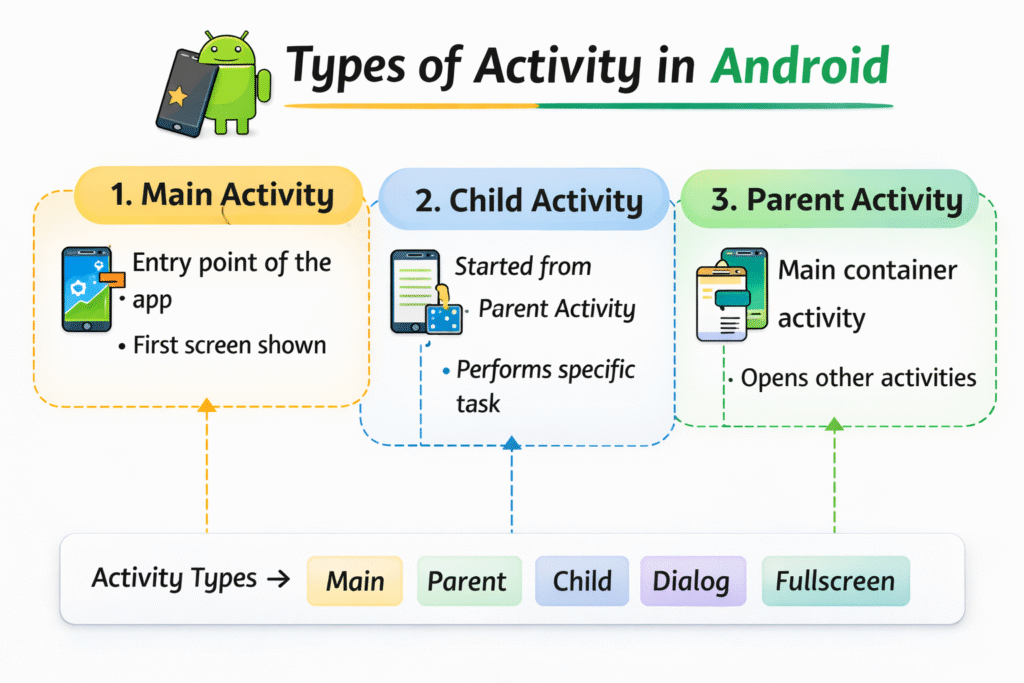
1. Main Activity
The Main Activity is the entry point of the Android application.
It is the first screen that appears when the user launches the app.
It is usually marked with the LAUNCHER intent in the manifest file.
2. Parent Activity
A Parent Activity is the main container activity that controls navigation.
Other activities can be opened from it and may return back to it.
It helps maintain proper app navigation structure.
3. Child Activity
A Child Activity is started from another activity (parent).
It performs a specific task and usually returns to the parent activity.
For example, opening a detail screen from a list screen.
Lifecycle Flow
onCreate → onStart → onResume → onPause → onStop → onDestroy
Advantages of Activity in Android
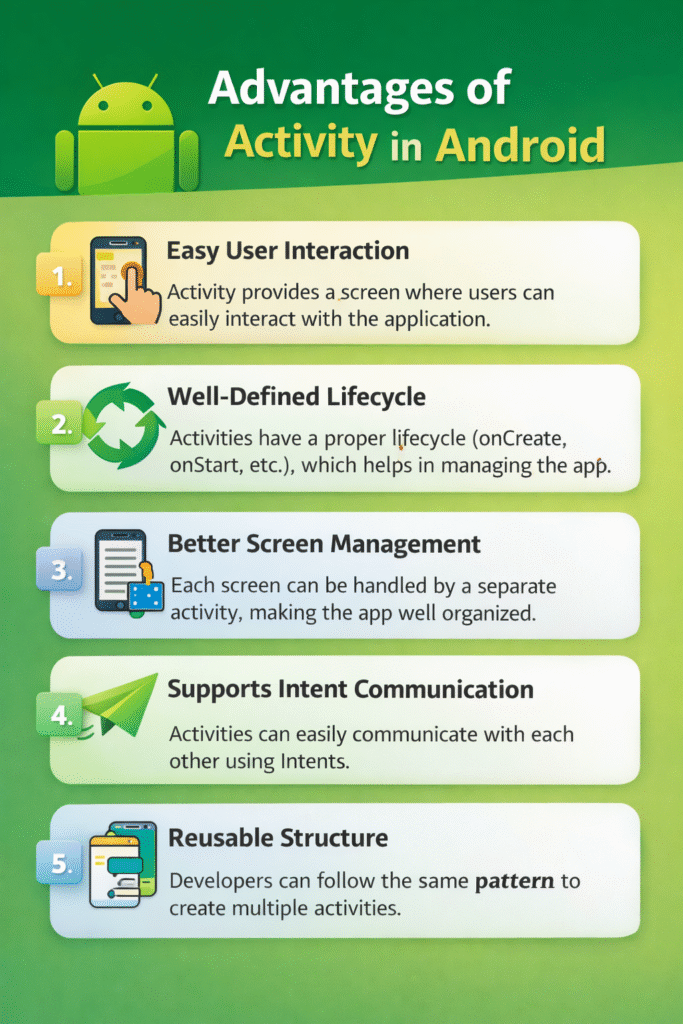
- Activity provides a screen where users can easily interact with the application.
- Activities have a proper lifecycle (onCreate, onStart, etc.), which helps in managing the app efficiently.
- Each screen can be handled by a separate activity, making the app well organized.
- Developers can follow the same pattern to create multiple activities.
❌ Disadvantages of Activity in Android
- Too many activities can increase the memory consumption of the app.
- Managing navigation becomes difficult when the app has many activities.
- Understanding lifecycle methods can be tricky for new learners.
- Handling data during configuration changes (like screen rotation) can be challenging.