
Permission System in Android
Permission System
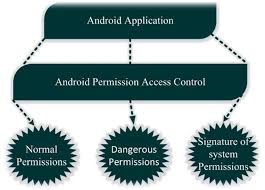
Android Permission System is a mechanism which decides that any app can access sensitive data or features(like- camera , contacts , location etc.) of any device or not.
Types of Permission System
Install Time Permission
Install Time Permission is a permission model in which all permissions are approved by the user at the time of app installation. If the user taps “Install”, the permissions are automatically granted.
This model was mainly used in Android 5.1 (Lollipop) and earlier versions.
<uses-permission
android:name=”android.permission.INTERNET”/>
Normal Permissions
These are permissions that are considered low risk and do not greatly affect the user’s privacy or personal data.
Therefore, Android automatically grants these permissions, and the user is not prompted for approval at runtime.
Signature Permission
This is a special high-security permission in Android. It is granted only to apps that are signed with the same developer certificate.
That means normal users or apps from other developers cannot use it.
It is mainly used for secure communication between system apps or apps from the same company.
Runtime Permission
Runtime Permission is Android’s modern permission modelin which you ask the user for permission only when the feature is actually used, not at install time.
<uses-permission
android:name =”android.permission.CAMERA”/>
check permission
if (ContextCom[act.checkSelfPermission(this.Manifest.permission.CAMERA)
!=PackageManager.PERMISSION-GRANTED)
Special Permission
These are Android’s high-level permissions that control very powerful features.
They are not granted like normal or dangerous permissions through a simple dialog.
The user has to manually enable them from the Settings screen.
Best Practices for Handling Permissions
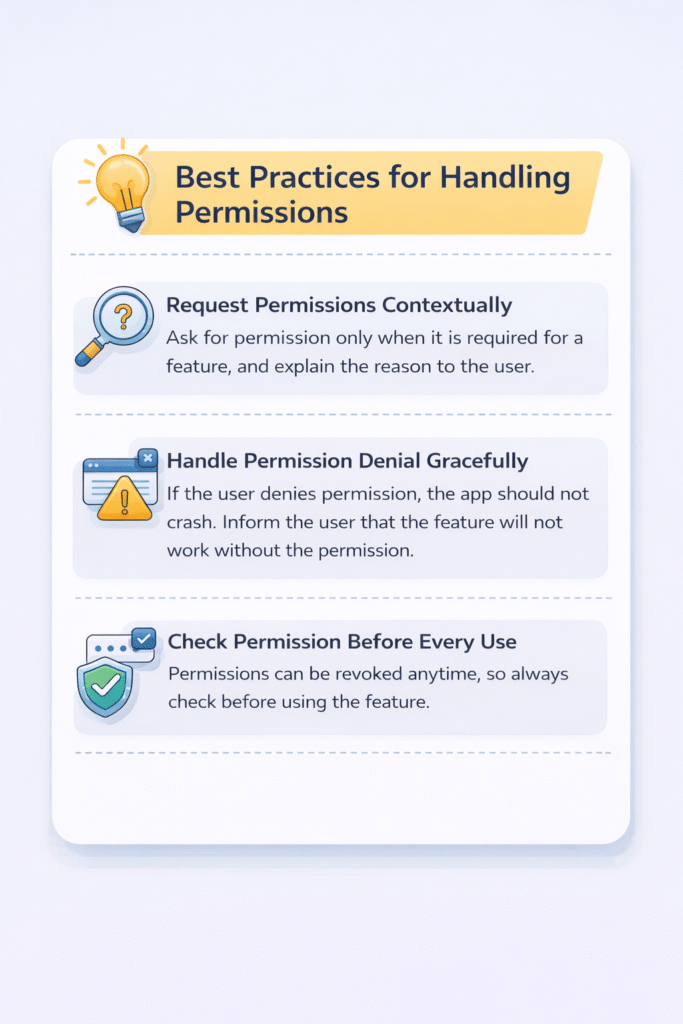
Request Permissions Contextually
Ask for permission only when it is required for a feature, and explain the reason to the user.
Handle Permission Denial Gracefully
If the user denies permission, the app should not crash. Inform the user that the feature will not work without the permission.
Check Permission Before Every Use
Permissions can be revoked anytime, so always check before using the feature.
Minimize the Number of Requested Permissions
Request only the permissions that are actually required.
Use Permission Groups Wisely
Request each permission explicitly and carefully
Provide Clear Explanations
While requesting dangerous permissions, always give a clear reason to the user.
Advantages of Permission System
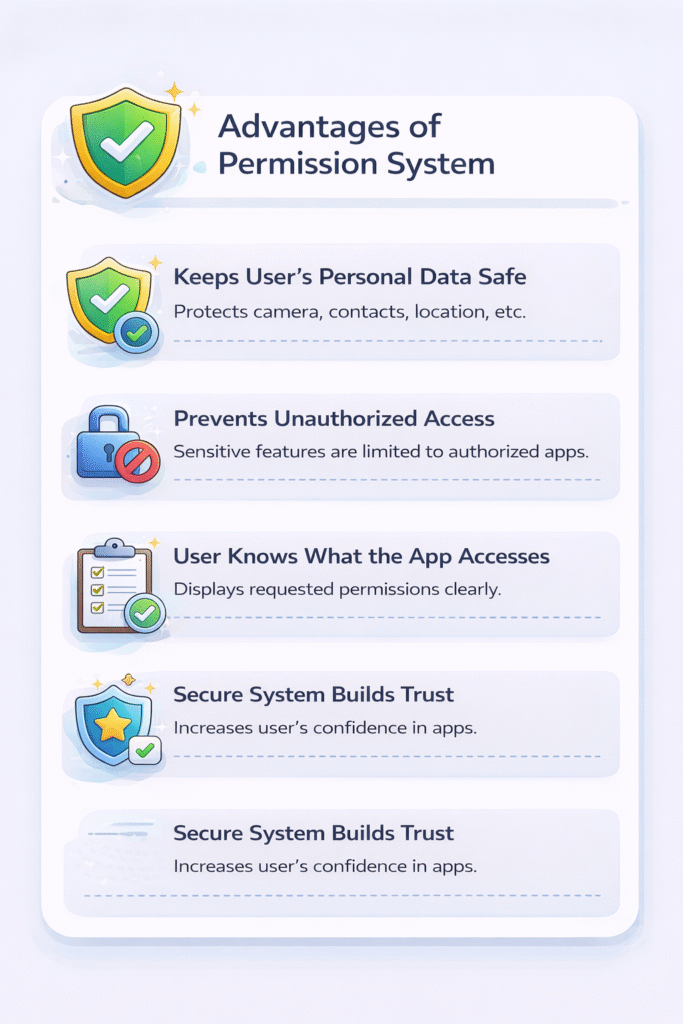
- While requesting dangerous permissions, always give a clear reason to the user
- It prevents unauthorized apps from accessing sensitive features.
- The user knows what the app is accessing
- A secure system increases the user’s trust in the app.