Event Handling
Event
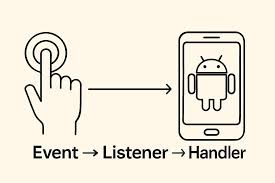
Events are the actions performed by the user in order to interact with the application, for e.g. pressing a button or touching the screen.
These actions may include:
- Clicking a button
- Touching the screen
- Swiping or dragging elements
- Long pressing on a view
- Typing text in an input field
Whenever a user performs one of these actions, the Android system generates an event object that can be captured and handled by the application.
What is Event Handling?
Event handling is the process of detecting user actions (events) and executing specific code in response to those actions.
In Android, event handling is usually performed using Event Listeners.
An event listener waits for a particular event to occur and then triggers a callback method when the event happens.
There are following three concepts related to Android Event Management −
Event Listeners −An event listener is a component in Android that waits for a user action on a UI element (such as a button or image). When the user interacts with that element, the Android system automatically calls a method in the listener to perform a specific action.
Event Listeners Registration −Event Registration is the process of connecting an Event Handler with an Event Listener. When the event happens (like a button click), the Event Listener calls the Event Handler, and the required action is performed.
Event Handlers −When an event happens and an event listener is already registered for it, the event listener calls the event handler.
The event handler is the method that actually performs the action and handles the event.
Common Types of Event Listeners in Android
1. OnClickListener
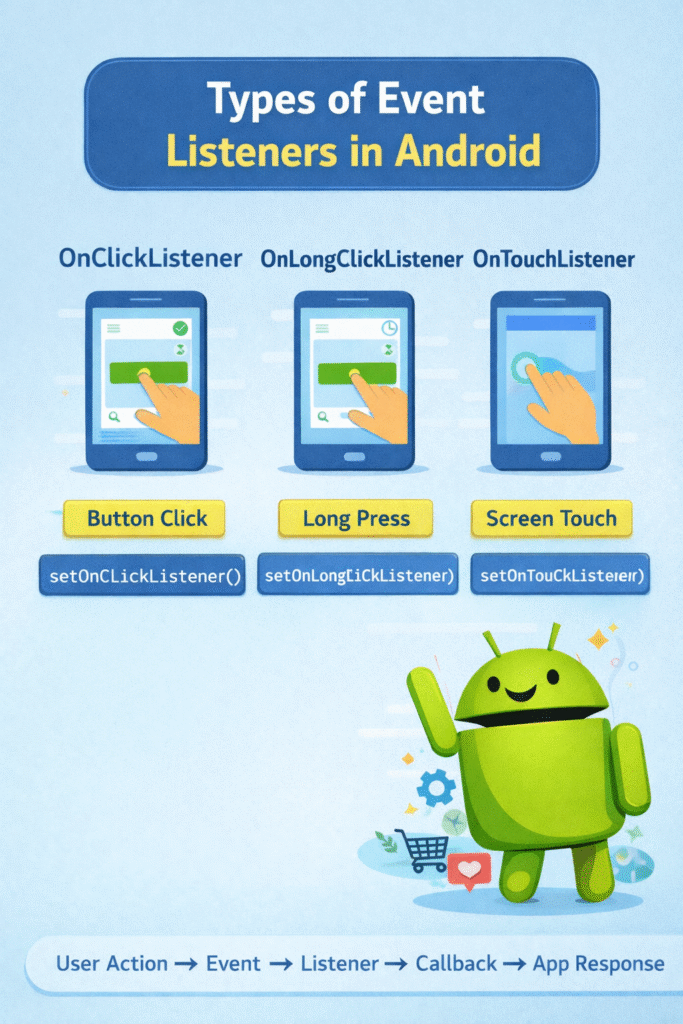
The OnClickListener is the most frequently used event listener in Android. It is triggered when a user taps or clicks on a view such as a button.
Example Code
Button button;
button = findViewById(R.id.button);
button.setOnClickListener(new View.OnClickListener() {
@Override
public void onClick(View v) {
Toast.makeText(MainActivity.this, “Button Clicked”, Toast.LENGTH_SHORT).show();
}
});
Explanation
setOnClickListener()attaches a click listener to the button.onClick()is called when the user clicks the button.- A Toast message is displayed as feedback to the user.
2. OnLongClickListener
The OnLongClickListener detects when a user presses and holds a view for a longer duration.
Example
button.setOnLongClickListener(new View.OnLongClickListener() {
@Override
public boolean onLongClick(View v) {
Toast.makeText(MainActivity.this, “Long Press Detected”, Toast.LENGTH_SHORT).show();
return true;
}
});
3. OnTouchListener
The OnTouchListener handles touch events such as pressing, moving, and releasing the screen.
Example
view.setOnTouchListener(new View.OnTouchListener() {
@Override
public boolean onTouch(View v, MotionEvent event) {
Toast.makeText(MainActivity.this, “Screen Touched”, Toast.LENGTH_SHORT).show();
return true;
}
});
This listener is commonly used in applications involving gestures, games, or drawing apps.
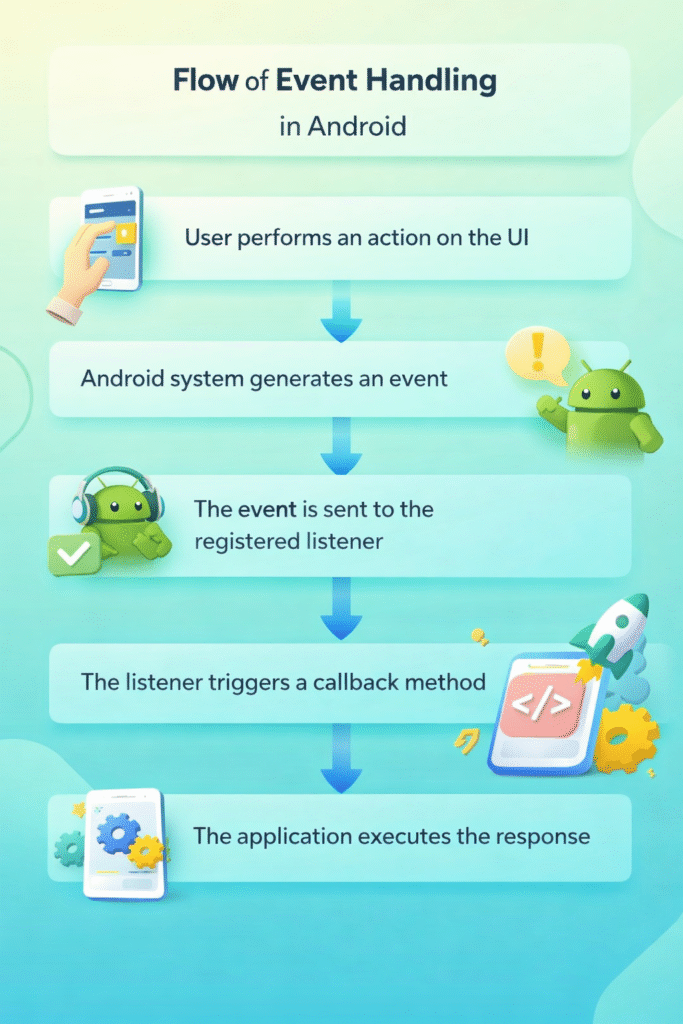
Flow of Event Handling in Android:
- User performs an action on the UI.
- Android system generates an event.
- The event is sent to the registered listener.
- The listener triggers a callback method.
- The application executes the response.
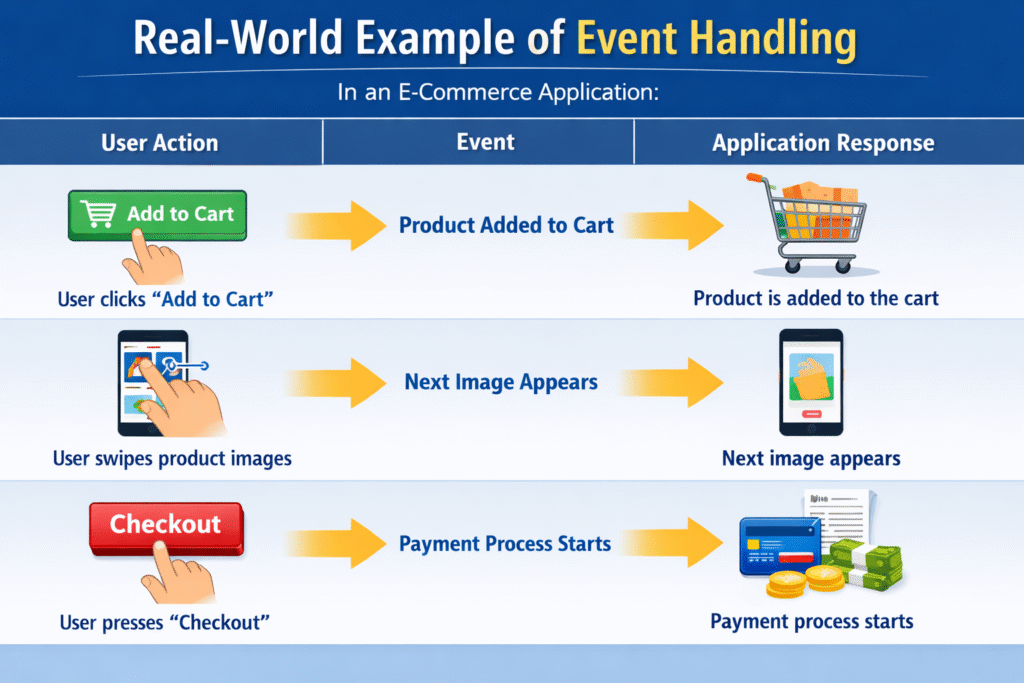
Real-World Example of Event Handling
Advantages of Event Handling
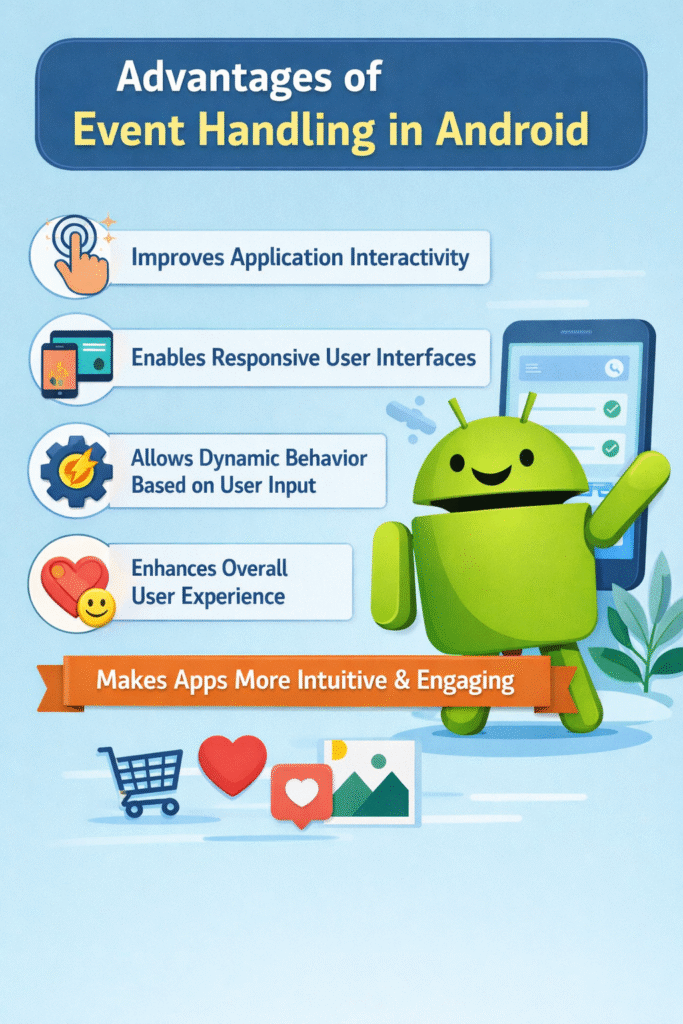
- Improves application interactivity
- Enables responsive user interfaces
- Allows dynamic behavior based on user input
- Enhances overall user experience
- Makes applications more intuitive and engaging