
What is Relative Layout
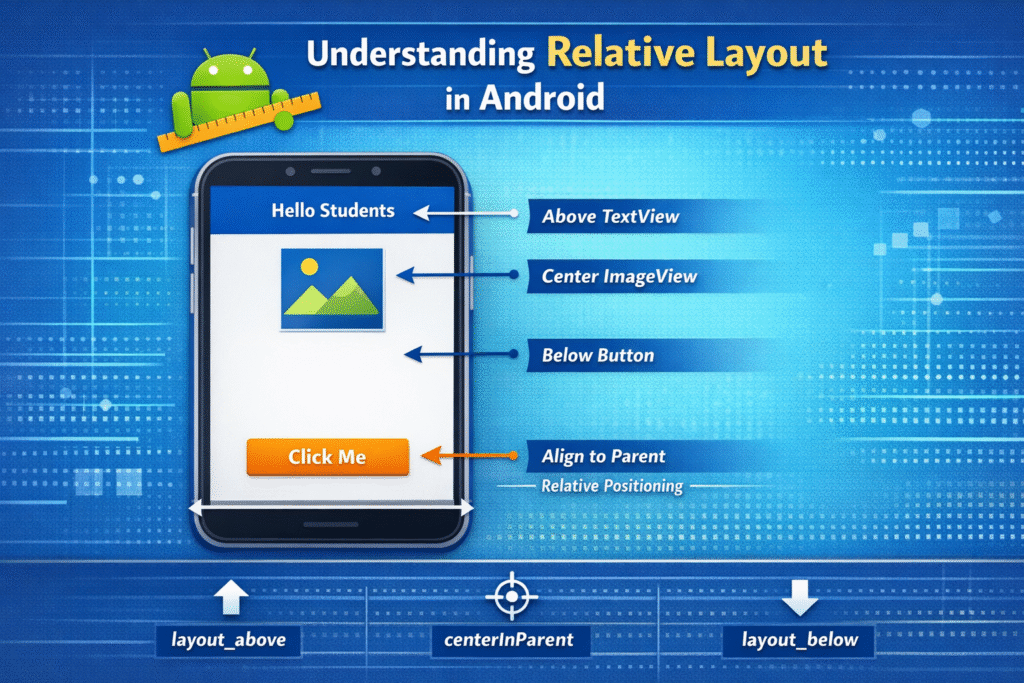
Relative Layout is a view group in Android that allows child views (like Button, TextView, ImageView, etc.) to be positioned relative to other views or the parent layout.
Instead of placing elements in rows or columns , Relative Layout allows to define the position of a view based on the position of another view.
For example:
A button can be placed below a text view.
An image can be placed to the right of a button.
A text can be aligned to the center of the parent layout.
Alignment of Relative Layout
1. Parent Alignment
In this views are aligned to the edge or center of the parent layout.
layout_alignParentTop
Aligns the view to the top of the parent.
Example:
android:alignParentTop=”true”
layout_alignParentBottom
Aligns the view to the bottom of the parent.
Example:
android:alignParentBottom=”true”
layout_alignParentLeft
aligns the view to left of the parent.
Example:
android:alignParentLeft=”true”
layout_alignParentRight
aligns the view to the Right of the parent.
Example:
android:alignParentRight=”true”
layout_alignParentRight
aligns the view to the Start of the parent.
Example:
android:alignParentStart=”true”
2. Sibling Positioning
In this one view is placed relative to other view and we give the reference id of a view to another view.
1. layout_above
Places a view above another view.
Example:
android:layout_above=”@id/button1″
2. layout below
Places a view below another view.
Example:
android:layout_below=”@id/text1″
3. layout_toLeftOf
Places a view to the leftt side of another view.
Example:
android:layout_toLeftOf=”@id/image1″
4. layout_toRightOf
Places a view to the right side of another view.
Example:
android:layout_toRightOf=”@id/button1″
Advantages of Relative Layout
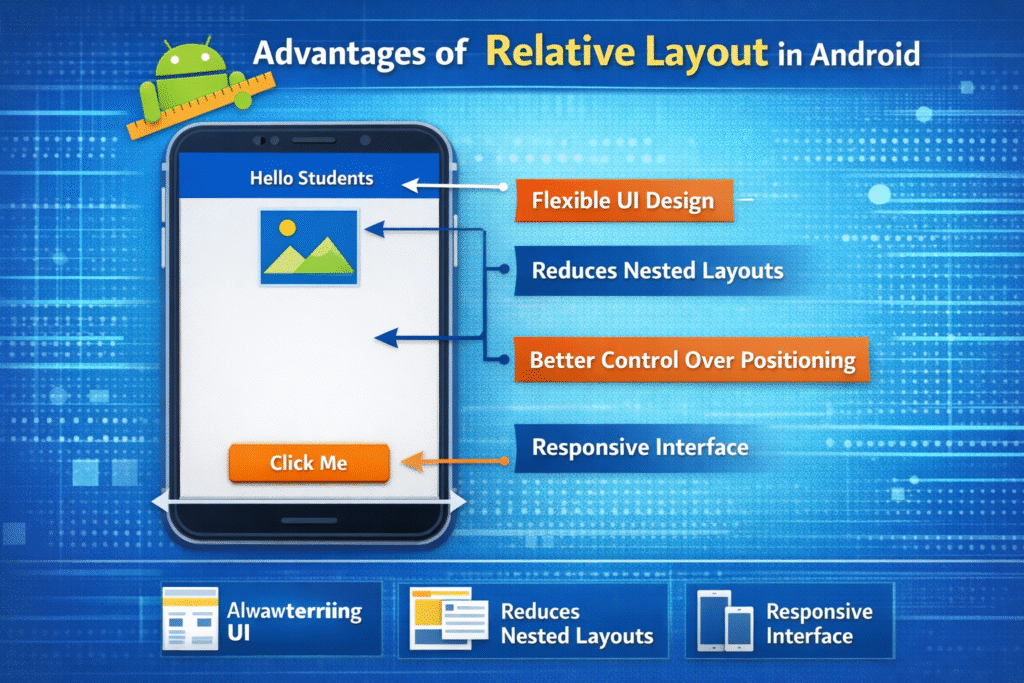
- Elements can be aligned relative to each other easily.
- Elements can be aligned relative to each other easily.
- Views can be placed anywhere relative to the parent or other views.
- Works well with different screen sizes and resolutions.
Disadvantages of Relative Layout
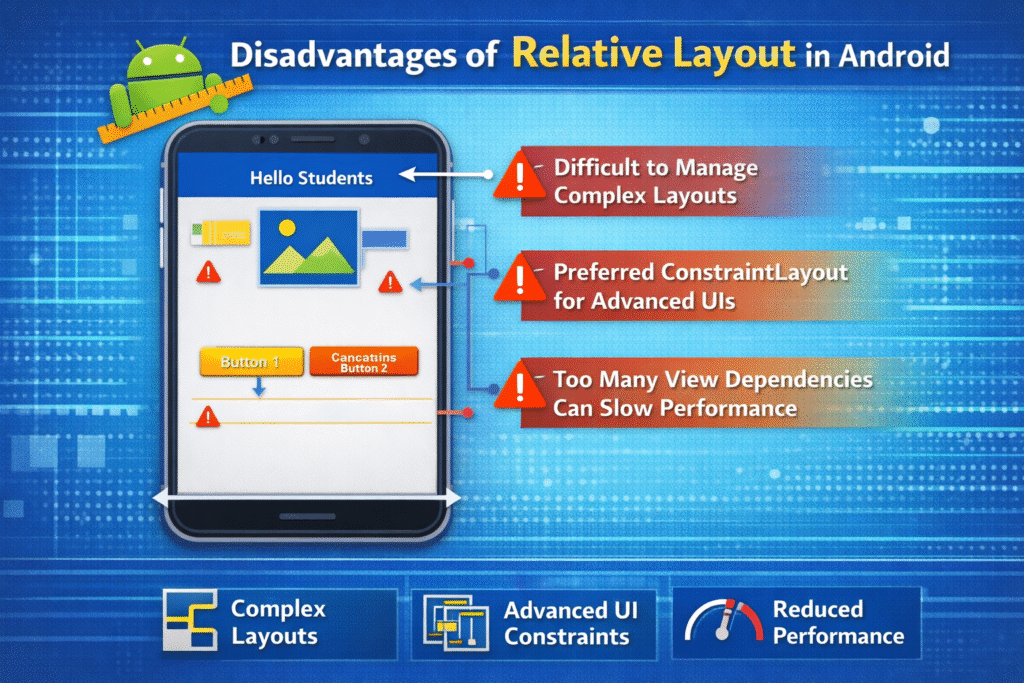
- Complex layouts can become difficult to manage.
- ConstraintLayout is now preferred for advanced UI designs.
- Too many dependencies between views can reduce performance.